> ## Documentation Index
> Fetch the complete documentation index at: https://docs.hopae.com/llms.txt
> Use this file to discover all available pages before exploring further.
# Test Guide
> Check each eID in seconds from the Hopae Console
## Overview
This page helps you find how to test.
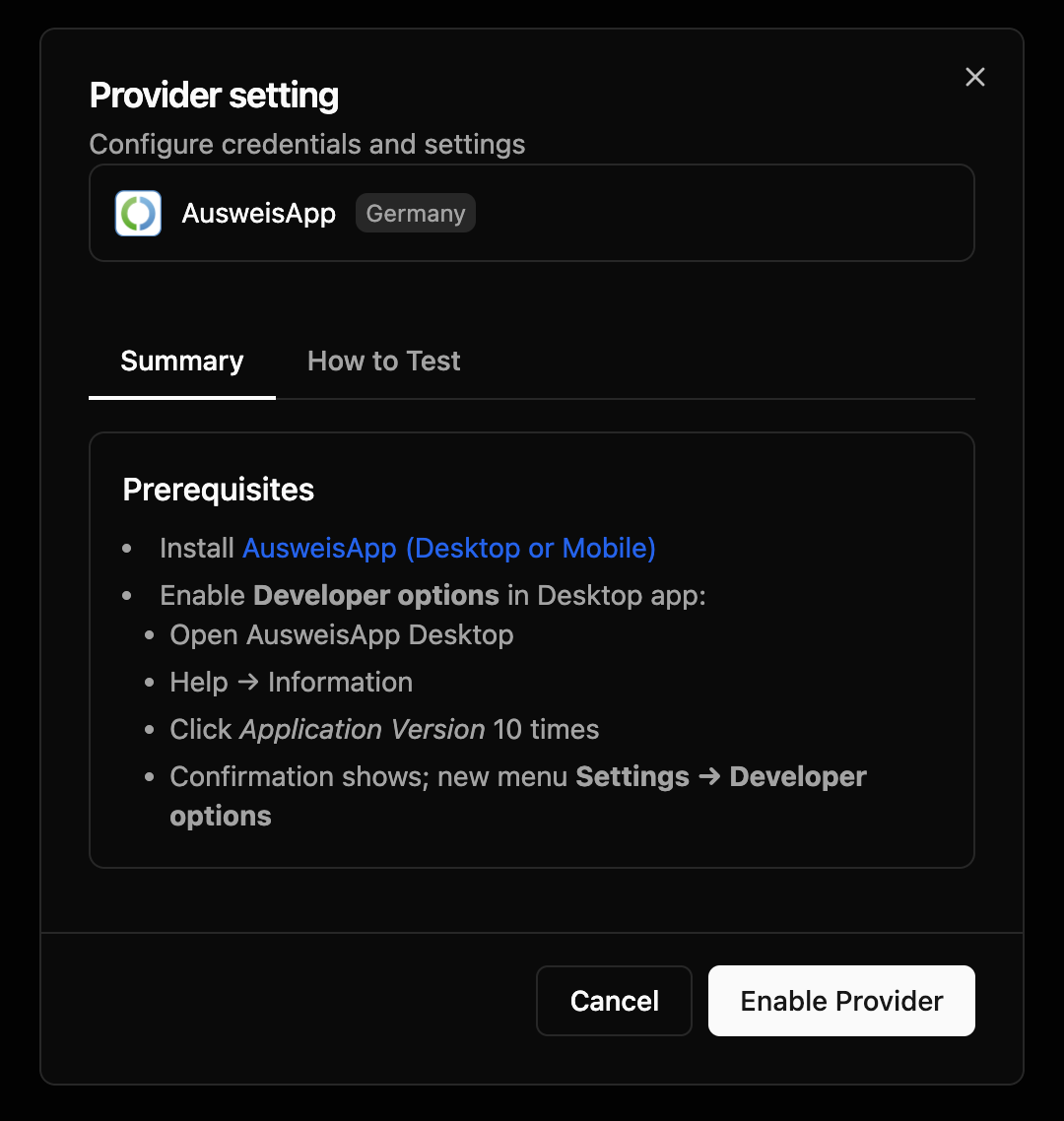
In the Hopae Console, go to the Verification tab and click any eID. A modal opens with:
* Summary of provider requirements
* How to Test steps (step‑by‑step checklist)
* Easy access to any test credentials or links the provider requires
You will perform the information inside the [Hopae Console](https://console.hopae.com).
## What You’ll See
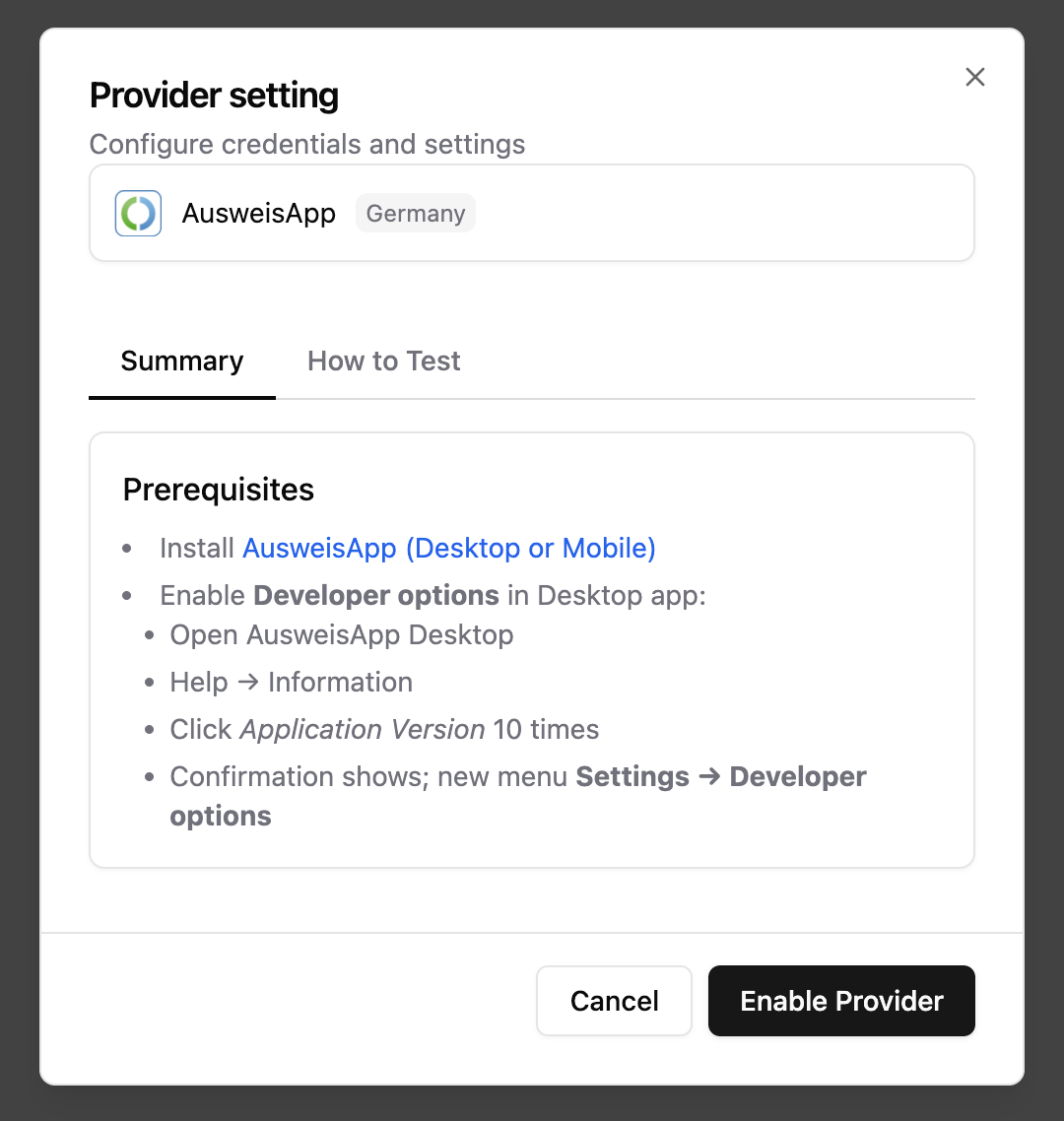
Below is an example of the “Provider setting” modal you will see after clicking an eID inside the Verification tab. Use it to review How to Test and locate any test credentials before you try a flow.
 The actual console UI may change as we improve the experience.
## Next Steps
* Open the Verification tab in the Hopae Console, choose an eID, and review How to Test.
* Note any test credentials/prerequisites shown in the modal.
The actual console UI may change as we improve the experience.
## Next Steps
* Open the Verification tab in the Hopae Console, choose an eID, and review How to Test.
* Note any test credentials/prerequisites shown in the modal.